Appearance
Welcome to TWS CourierOS
TWS CourierOS runs the day-to-day work of a courier or freight-forwarding business: packages arriving from overseas warehouses, customs, getting packages ready, taking payment, and delivering or handing over to customers.
The three parts of your account
| Part | Who uses it | Where |
|---|---|---|
| Office | You and your staff | your-address/office after signing in at your-address/login |
| Customer portal | Your customers | your-address/customer |
| Website and tracking | Anyone | your-address and your-address/track |
Your address is the web address Technowizteam gave you when your account was created, for example yourcompany.twscourieros.com. On the Professional and Ultimate plans it can be your own domain instead, such as portal.yourcompany.com.
Signing in for the first time
- Open the invitation email and click the link to set your password.
- Sign in at
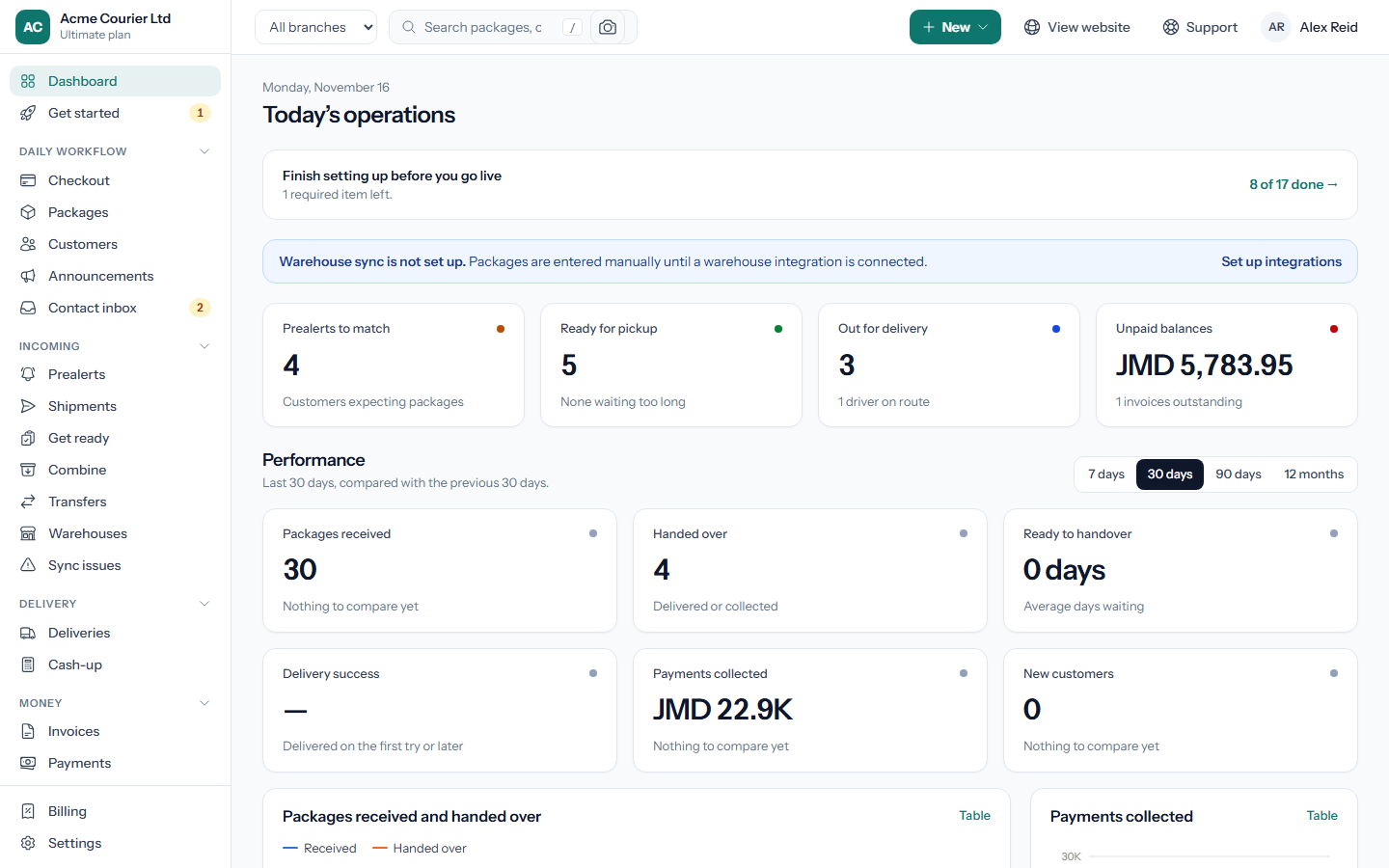
your-address/login. - You land on the Dashboard. Admins also see a Get started checklist in the menu.
Staff accounts are invite-only. To add someone, go to Settings → Team and invite them by email. See Staff roles.
Forgot your password?
Use Forgot password on the sign-in page. The reset link is sent to the email address on your account.
What to do next
- Work through your setup checklist before taking your first real package.
- Check what your plan includes.
- Share the customer portal guides with your customers.